
Everything you need to master Lawraze.
Explore guided onboarding, product walkthroughs, and best practices tailored for legal teams. Learn how to run matters efficiently from intake through resolution.
Follow a clear onboarding path.
Step 1
Set up your firm
Create your workspace, invite team members, and define roles with clear permissions.
Step 2
Organize matters
Build matter templates, map tasks, and standardize intake from day one.
Step 3
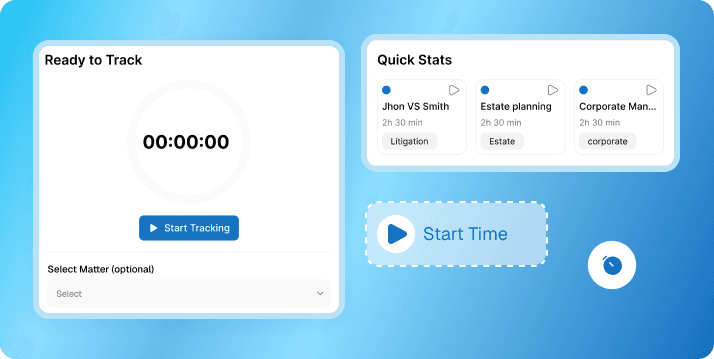
Track time & billing
Capture billable time, generate invoices, and keep revenue predictable.
Deep dives for every part of your workflow.
Client & Matter Management
Unified profiles, communication logs, and document timelines in one place.
AI Summaries & Insights
Quickly review case files, highlight key dates, and surface next actions.
Document Automation
Generate and store templates with approval-ready workflows.
Trust Accounting
Separate trust and operating balances with transparent audit trails.
Practical reads for legal teams.
Clio vs Lawraze: Which Legal Practice Management Tool Is Simpler?
Clio is widely known, but many firms want a simpler, cheaper system with less setup and less training. Here is where Lawraze stands out.
MyCase vs Lawraze: Which Option Is Easier for Growing Law Firms?
Law firms often compare ease of use, daily workflow, and total cost. Lawraze is built to keep legal operations simple and affordable.
PracticePanther vs Lawraze: A Cheaper and Simpler Choice for Legal Teams
If your firm wants less software overhead and a more direct workflow, Lawraze offers a simpler path for legal practice management.